


Adobe Creative Cloud
Adobe Creative Cloud
The library provides access to the Adobe Creative Cloud suite of applications (including Photoshop, InDesign, Premiere, Illustrator, Acrobat, etc.) through various methods.
In Person Access
The Adobe Creative Cloud suite is available on almost all library desktop computers. Guest computers do not have the suite available.
Most Adobe applications will run with acceptable performance for basic tasks on all library machines where they are installed. For advanced tasks, such as editing 4K video or using generative AI, we offer higher-end machines available at each library location.
- Building 32 - Skylab (5th Floor)
In the Skylab there are at least 12 high-end workstations, several of which have dual displays and a few with 38-inch curved ultrawide displays. Additional specialized hardware is available at this location, including a book and oversize scanners. - Building 86 - Room 105 (Education Research Library)
There are two high-end workstations (one with a 38-inch curved ultrawide display) and a flatbed scanner available in the Education Research Library. - Tech Campus Library (Fort Walton Beach) - Building 8
There are two high-end workstations (one with a 38-inch curved ultrawide display) and a flatbed scanner available in the Tech Campus Library at Fort Walton Beach.
Remote Access
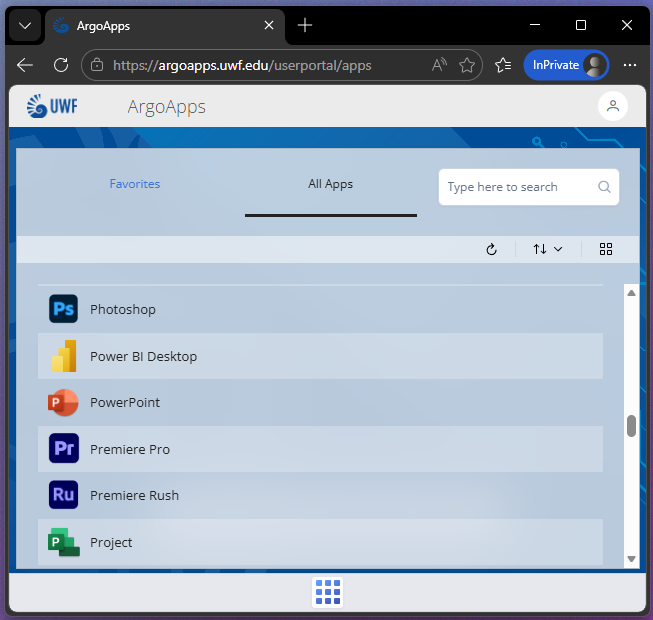
The library also maintains a separate lab of 10 Creative Cloud workstations that can be accessed remotely via ArgoApps (in partnership with ITS). This allows the Creative Suite applications to be accessed from anywhere and using almost any device (including tablets like iPads and Chromebooks).
Use Adobe Cloud Software Via ArgoApps
Personal Device Access (Students Only)
All actively enrolled students are eligible to install the Adobe Creative Cloud suite on their personal device. To request a license, visit Request for a Student Creative Cloud License, read and accept the usage terms, and submit your request. Approval is typically granted within minutes, and you will receive a notification to your UWF email address when the request is approved. Licenses are not guaranteed, are subject to availability, and may be removed if not used for 90 days.
LinkedIn Learning
There are many excellent (and free!) courses on LinkedIn Learning that you can utilize to learn or enhance your skills with the Adobe Creative Cloud applications. Below is a non-exhaustive list to get you started.