Recreation and Aquatics

Recreation and Aquatics serves our students and community by offering programs and services that promote wellness, training for a healthy mind and body and forming invaluable friendships and experiences that will have a lasting impact.


Outdoor Adventures
- Trips and Events
- Bike Programs
- Climbing Center
- Disc Golf
- Equipment Check-out
- Incentive Programs
Join a Sport Club with IMLeagues
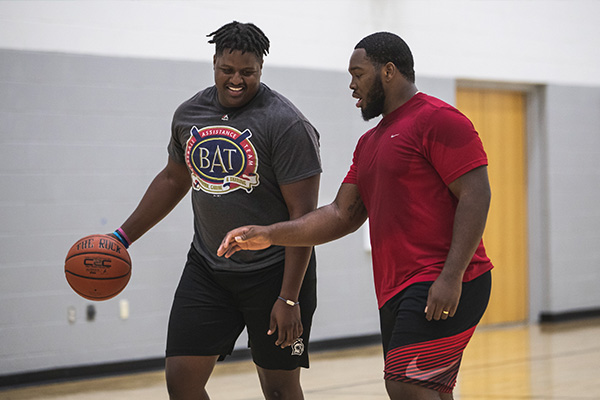
To join an existing UWF Sport Club, you must email the club president. Each club president's information can be found on the club's individual Argo Pulse page. Need help? Contact our office using the contact information in the sidebar.

Dive Into a Water Trip
Each semester, OA adventures with exciting water trips—whether whitewater rafting, canoeing, kayaking, tubing or another splash-worthy experience! Find trips and events on our portal.

Rent Indoor Equipment
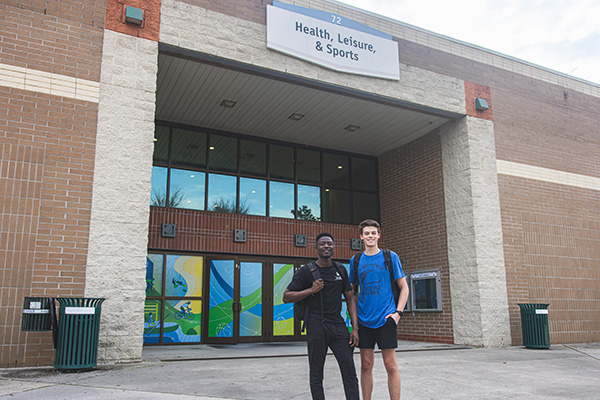
Rec members may rent equipment in the Rec Center, Building 72, at the Service Desk during facility hours with their Argo card or membership number. Rent: football, cornhole, volleyball, tennis table and paddle. Visit our Equipment Rental page for a full list.

Join Aquatic Center Open Swim Hours
The pool at the UWF Aquatic Center is an indoor Olympic-sized pool regulated at 82 degrees year-round. The shallow end starts at 4 feet, 2 inches, and the deep end goes to a maximum depth of 14 feet, 8 inches. Find our open swim hours on Fusion.

Join a Cycling Class
Cycle 45 is designed for all fitness levels. Powered by amazing music to get you going, this cycling class utilizes various drills, such as sprinting, hill climbs, and races that challenge you and lead you to your best self! We offer Cycle HIIT and Cycle + Core. Find classes with IMLeagues.
Where to Find Us

UWF RECWELL App
Find our hours of operation, and use the app to enter the facility using a barcode as a contactless entry. Allow push notifications to get live updates about facility closures, special events, or new offerings.

IMLeagues App
To register for any Intramural Sport, Sport Club, or Group Fitness class, you must first create an account on IMLeagues. Instructions for setting up your IMLeagues account can be found in our knowledge library called Confluence.

Argo Pulse App
Find your Sport Club, Student Organization, and UWF events for students on Argo Pulse

Handshake
We Hire UWF Students, Come Work With Us! View and apply for open positions on Handshake.