Information Technology Services
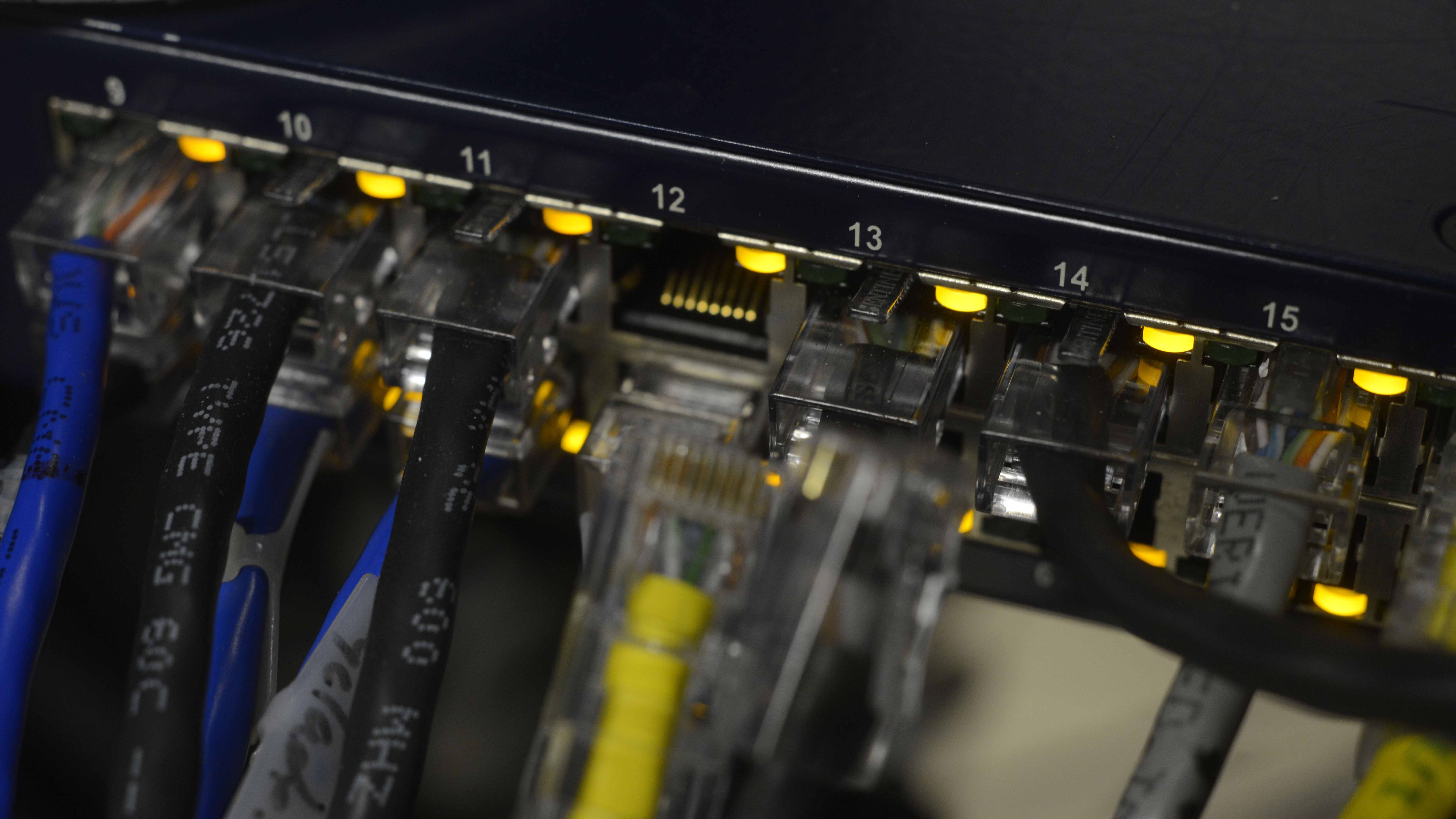
The Information Technology Services department is part of the Division of Academic Affairs and is the University of West Florida's central resource for technology-based services. ITS is responsible for providing university-wide support of information technology to students, faculty, and staff. It is the mission of ITS to enable digital transformation while protecting the mission of the University.
Service Catalog
ITS maintains a Service Catalog which describes the myriad of services it supports and response time expectations.
ITS Workgroups
The Chief Information Officer (CIO) and Chief Security Officer (CISO) for UWF is Geissler Golding. As CIO, Geissler oversees the operations of the ITS department and ensures the careful and effective management of its resources. He also coordinates university-wide information technology issues, plans, policies and projects. He represents UWF externally on matters pertaining to information technology. As CISO, Geissler is the first point of contact for all IT security related queries from the UWF administration and provides leadership for the Security Incident Response Team (SIRT). Geissler is also responsible for creating and maintaining the IT-security plans which are designed to provide IT safety and security for the UWF community.
Below are descriptions of each of the four ITS workgroups.
IT Operations
IT Operations includes daily operation and support of the user information technology environment. IT Operations comprises three support teams. The ITS Help Desk is the first point of contact for IT questions and (traditional and Voice over IP) requests for service, providing phone, email, and desktop support. Telecommunications provides support for voice connectivity and related services for campus and remote sites. Classroom Technology provides support for generally scheduled academic classrooms, Board of Trustees, and special University events.
Systems Integration Architecture
The Systems Integration Architecture workgroup develops and supports UWF's in-house written online applications.
Enterprise Applications
Enterprise Applications is responsible for the business and information systems supporting the operational needs of the university and data integration with 3rd party business systems. Enterprise Applications supports the data and back-office elements of the ERP which include many of the University’s functional offices such as Admissions, Registrar, Student Accounts, Finance, Payroll, and Human Resources. The Banner & Oracle Database Administration workgroup develops and supports the Banner ERP and Banner Self-Service systems.
Infrastructure Services and Security
Infrastructure Services provides information technology infrastructure (such as networks and servers) and system security. Infrastructure Services is responsible for all servers, databases, and enterprise systems residing in the UWF data center, as well as the data residing in the remote data center, provides central storage capabilities, manages hosted servers and systems, and provides the platform for systems integration and security.
Get Help

The ITS Help Desk is your point of contact for all technology issues. The ITS Help Desk provides technical support to UWF students, faculty, and staff on a variety of university technology services.
- Visit: uwf.edu/helpdesk
- Call: 850.474.2075
- Email: helpdesk@uwf.edu
- Stop by Building 79