The Microsoft Campus Agreement's Work at Home Rights allow qualified university employees*, who are performing work-related duties from home, limited use of specific Microsoft products on a home computer during their term of employment. The Software is a University asset subject to the rules of the Acceptable Use of the University’s Computing Resources Usage Agreement and other University policies.
*See the Microsoft Campus Agreement (MCA) Work at Home Acceptance Form for terms and conditions of these rights.
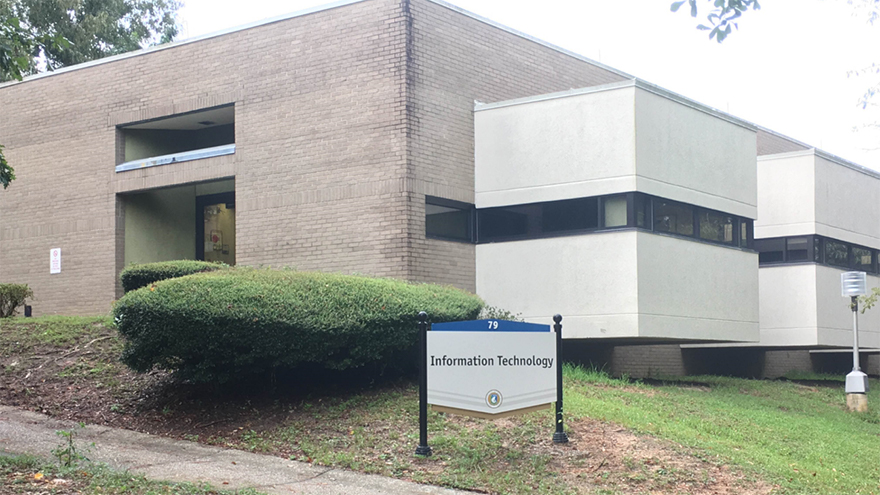
To determine eligibility for purchasing Work at Home (WAH) Software, employees must complete a Microsoft Work at Home Software Request from Software in MyUWF (my.uwf.edu). Eligible requestors are granted access to the WAH Software order system and must electronically agree to Microsoft’s Work at Home rights. Payment can be made at the UWF Cashier's Office or online with a credit card. Email notification is sent to the requestor when the software is available for pick-up from the ITS Help Desk, Building 79.
For installation on a university-owned or leased computer contact your Local Support Provider or the ITS Help Desk. Note: Microsoft media used to install MCA software on UWF owned or leased computers may not be distributed to faculty or staff for installation on personally owned computers.
Your PC must meet certain minimum hardware requirements in order to run MCA software. Prior to ordering software, please refer to the Microsoft site to make sure your computer meets the minimum hardware requirements.
Who is eligible: To determine eligibility for purchasing WAH Software, employees must complete a Microsoft Work at Home Software Request from Software in MyUWF. Not all employee categories* are eligible for Work at Home rights.
*Categories ineligible for UWF Employee Work at Home rights include the following:
Work at home use: Qualified university employees, who are performing work-related duties from home, may acquire a single copy of a WAH use CD. Employees do not own the WAH license or the CD, but are authorized to use the Software only for work-related purposes at home, on a single computer, during their term of employment (the software may be reinstalled multiple times on that specific computer). Software may not be duplicated, shared with or transferred to any other individual, including other UWF employees. Technical support is not provided by Microsoft or the University of West Florida in association with work at home use, including installation support of any operating system.
Termination of use: MCA software can be legally run as long as it is covered by the current campus agreement UWF maintains with Microsoft. The software does not need to be reinstalled upon renewal of the contract. However, MCA software must be removed from the home computer upon the earliest of (a) termination of employment, (b) loss of eligibility for Work at Home Rights, or (c) termination of the Campus Education Solutions Enrollment.
Students can use the licensed MCA software on university-owned or leased computers in classrooms or open access labs. The Microsoft Student Option is not included in the UWF Education Solutions Enrollment Agreement. Hence, the university-licensed products may not be run on a student’s personally owned computer or a university-owned computer designated for an individual student’s exclusive use. However, UWF students can acquire Microsoft products at special student pricing via standard academic licensing terms from Microsoft. Check the Microsoft Student site for academic discounts on Microsoft products. Microsoft software is also available for purchase at the UWF Bookstore.